
You shoot a video. You trim it. You add captions. You look for background music. You export it in the wrong format. You re-export. You upload it. The thumbnail looks bad. You redo it.
And somewhere in the middle of all that, the video’s message was overlooked.
If you make content for TikTok, Instagram Reels, YouTube Shorts, or LinkedIn, you already know this cycle. It eats your week alive. And the wild part? Most of that time is not spent being creative. It’s spent clicking buttons.
That’s the real problem with video creation today. It’s not the ideas. It’s the process.
The Pain Is Real — And the Numbers Back It Up
According to a 2024 HubSpot report, video is the number-one content format that drives the highest ROI for marketers. But the same report found that 45% of marketers say video production takes too long to be sustainable at scale.
A solo creator or small business owner isn’t sitting on a production team. They don’t have an editor on speed dial. They have a phone, a laptop, and maybe a free trial of something they found on Google at 11 PM.
The average short-form video takes 3 to 5 hours to produce from idea to upload. For a creator posting 5 days a week, that’s 20+ hours. That’s basically a part-time job just for video editing.
And if you’re trying to make AI TikTok videos, push out Reels, and keep up with YouTube Shorts at the same time? That math doesn’t work unless something changes.
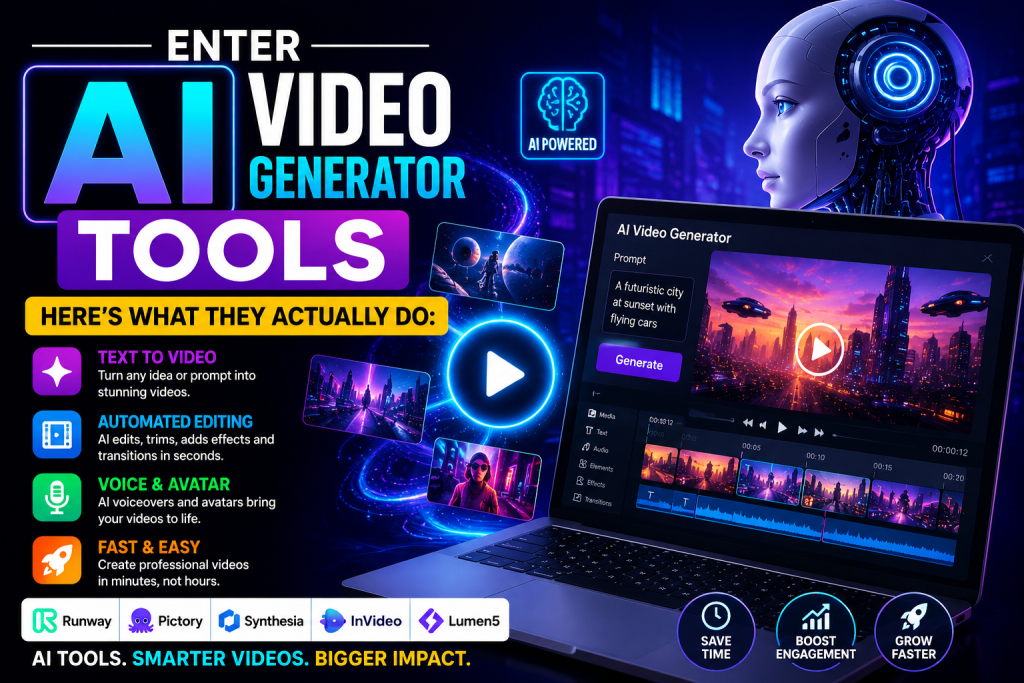
Enter AI Video Generator Tools — Here’s What They Actually Do
The phrase “AI video generator” sounds like something out of a tech conference keynote. But the reality is much more practical.
These tools take your raw input — a script, a blog post, a voice note, a topic idea, or even just a URL — and turn it into a finished video. With captions. With transitions. Sometimes with a voiceover. Sometimes, with stock footage already matched to your script.
You’re not replacing your creativity. You’re cutting out the 4 hours of clicking that had nothing to do with creativity in the first place.
Here’s a quick look at what’s available right now:
Runway ML — Mostly used for AI video editing and visual effects. It’s become a favorite among short-film makers and brand designers. Their Gen-3 Alpha model can generate video clips from text prompts in seconds. Not free, but it has a limited trial tier.
Pictory — A solid AI reel maker for repurposing long content. You paste in a blog post or video transcript, and it automatically pulls highlights, adds captions, and matches footage. Used heavily by content marketers who want to squeeze more out of existing material.
CapCut (AI features) — Most people know CapCut as an AI TikTok video editor, and it’s still one of the easiest free AI video tools out there. But its AI features have grown. Auto-captions, AI background removal, script-to-video, and smart highlights are all baked in now.
Invideo AI — You type a prompt like “make a 60-second video about the benefits of green tea for beginners,” and it builds a full video with voiceover, footage, and text. Good for quick content at scale.
Lumen5 — Long used by marketing teams to turn blog posts into videos. Clean interface, decent free tier, and the AI does the heavy lifting of matching visuals to text.
A Real Case Study: One Creator, 80% Less Editing Time
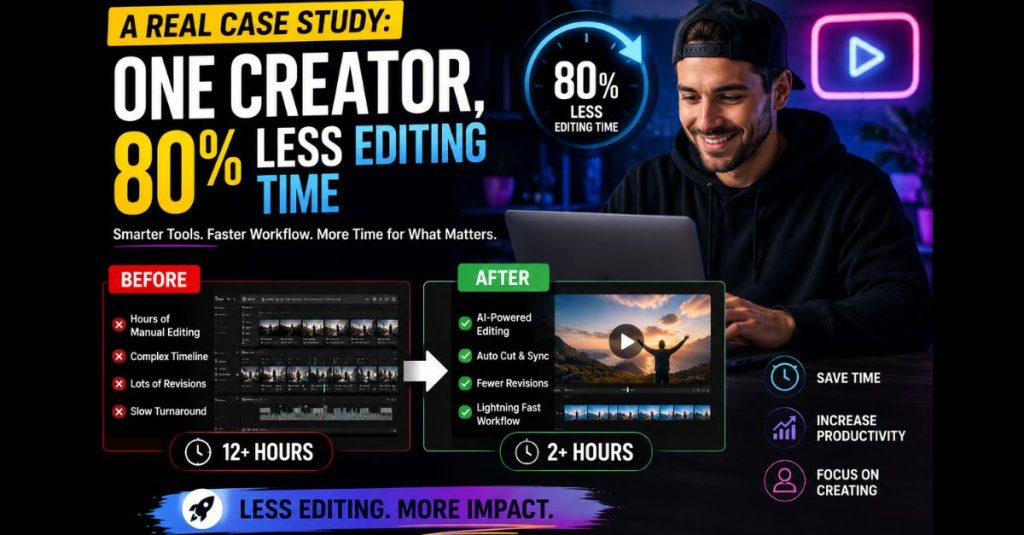
Padma Iyer, a personal finance creator based in Bengaluru, was spending around 18 hours a week producing content for Instagram and YouTube. She had good ideas, but editing was killing her schedule.
In early 2024, she started using a combination of CapCut’s AI features and Invideo AI. Here’s what her workflow looked like after the switch:
She records a raw 3-minute video on her phone. She uploads it to CapCut, which auto-generates captions in under 2 minutes. She exports a short version for Reels using the AI highlight feature. For YouTube, she types her script into Invideo AI, which builds a version with b-roll footage already synced. Total time from raw footage to uploaded content: about 90 minutes.
She told a creator community forum, “I went from posting twice a week to posting every day. The quality didn’t drop — if anything, it got more consistent because I wasn’t rushing.”
Her Instagram following grew from 4,200 to 31,000 over eight months. She credits the consistency, which was only possible because AI video editing took the bottleneck out of her workflow.
This is not a one-off story. It’s becoming the new normal for independent creators.
What to Look For in a Free AI Video Tool
Not every tool is worth your time. Here’s what actually matters when you’re evaluating free AI video tools:
Auto-captioning accuracy. Captions are non-negotiable in 2025. Over 80% of social videos are watched without sound, according to Verizon Media data. If a tool gets captions wrong, you’re spending time fixing them, which defeats the purpose.
Aspect ratio flexibility. You need 9:16 for TikTok and Reels, 16:9 for YouTube, and 1:1 for LinkedIn. A good AI reel maker lets you export in all three without re-editing everything.
Template quality. Some tools have templates that look like they were made in 2014. Look for ones that feel current — clean fonts, smooth transitions, no cheesy stock effects.
Export limits on free plans. Many free tiers let you make videos but watermark them or cap exports at 720p. Check this before you build a workflow around a free tool.
Voiceover options. Some tools now have AI voices that sound genuinely close to human. ElevenLabs integration, for instance, is showing up in more video tools as a voiceover engine.
The Honest Trade-Off
AI video generator tools are not magic. There are real limits.
If you need something highly specific to your brand — custom graphics, a specific filming style, motion design that matches a brand book — you’re still going to need a human editor or at least a lot of customization time.
The sweet spot for these tools is volume-driven content: educational videos, product explainers, repurposed blog content, social clips, and anything where speed and consistency matter more than pixel-perfect production.
Also, AI video editing tools still struggle with complex cuts, interview-style footage, and anything that needs narrative judgment — like knowing which emotional moment in a raw clip to keep and which to cut. That instinct is still very human.
Where This Is All Going
The trajectory is clear. AI TikTok video tools, AI reel makers, and AI video editing platforms are getting faster and cheaper every quarter. What cost $100/month in 2023 is often free now with a basic plan.
Sora by OpenAI, which generates high-quality video directly from text prompts, is still rolling out to a wider audience. When it does, the bar will shift again.
For now, the creators and marketers winning on video are not necessarily the ones with the best cameras. They’re the ones who’ve built the most efficient pipelines — and AI is the engine inside those pipelines.
The Bottom Line
If video creation feels like a second job, it’s because you’re still doing it the old way. Free AI video tools are good enough now to cut your production time by more than half. An AI reel maker can take a rough idea and spit out something post-worthy in under an hour. AI video editing handles the boring parts so you can focus on the parts that actually require a brain.
The tools are there. The only question is whether you’re going to keep spending 20 hours a week editing — or finally let the machines do the clicking.